Go Out ScreenTime
Take control of your screen time. Get outside.
Go Out ScreenTime helps you break free from endless scrolling and reclaim your time. Set daily goals, track your progress, and get gentle nudges to step outside and live in the moment.
Download on the App StoreScreenshots
See how Go Out ScreenTime works in real use
From usage reporting to block groups and schedule setup, the app is built to make focus simple.
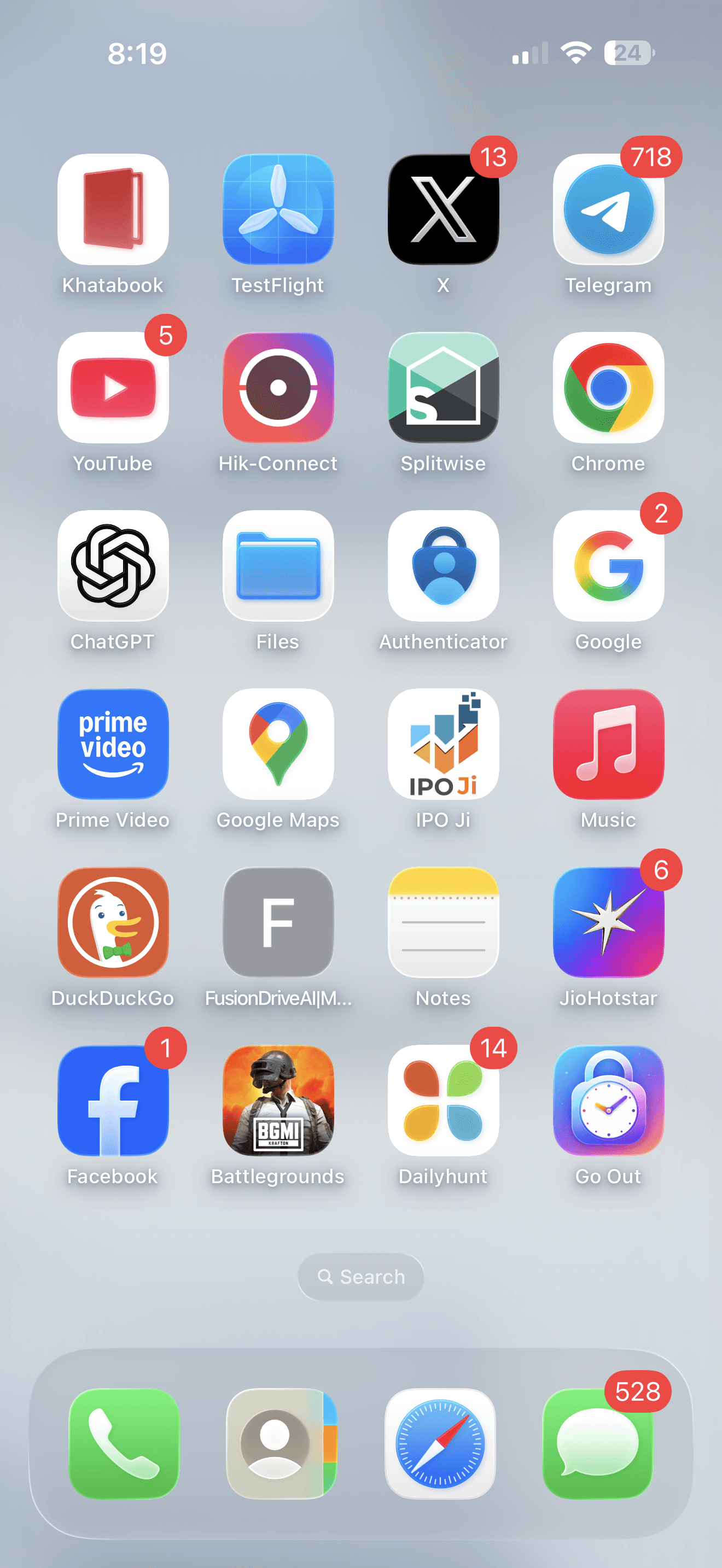
Recognizable app icon
A distinct icon that stands out on your home screen and makes the app easy to find.
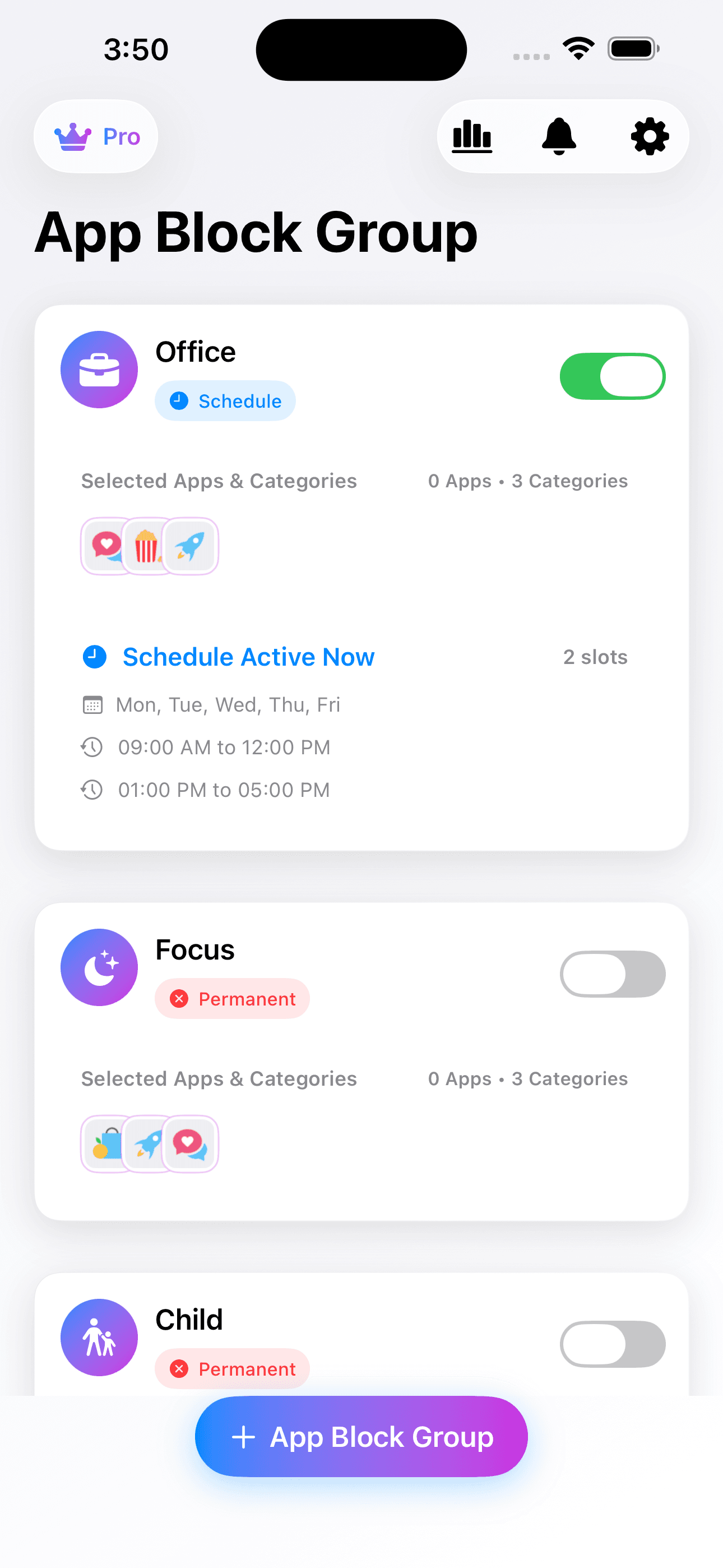
Block group dashboard
Organize multiple block groups for work, sleep, study, focus, or family routines.
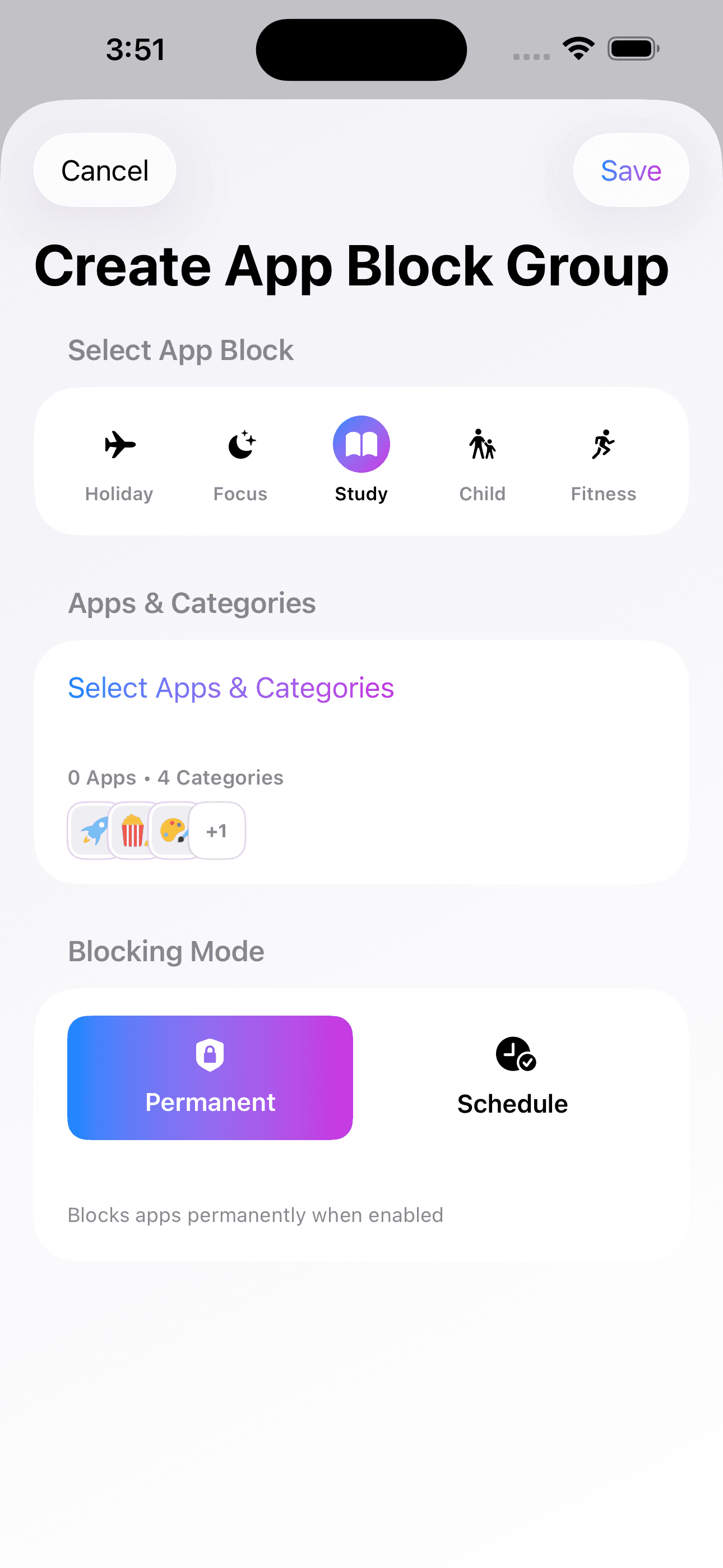
Create block groups
Build permanent or scheduled blocks with categories that match your daily goals.
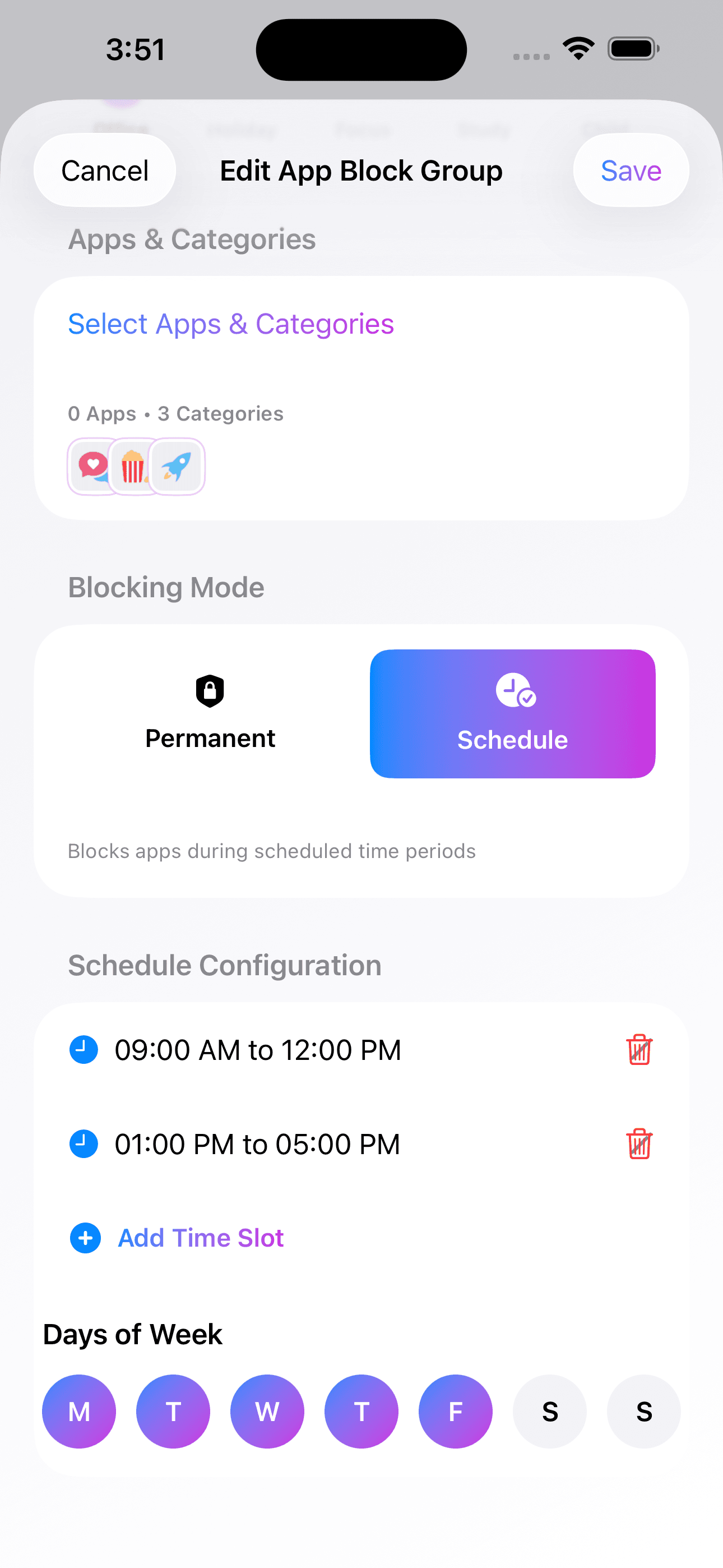
Flexible scheduling
Set multiple time slots and choose the exact days when blocks should stay active.
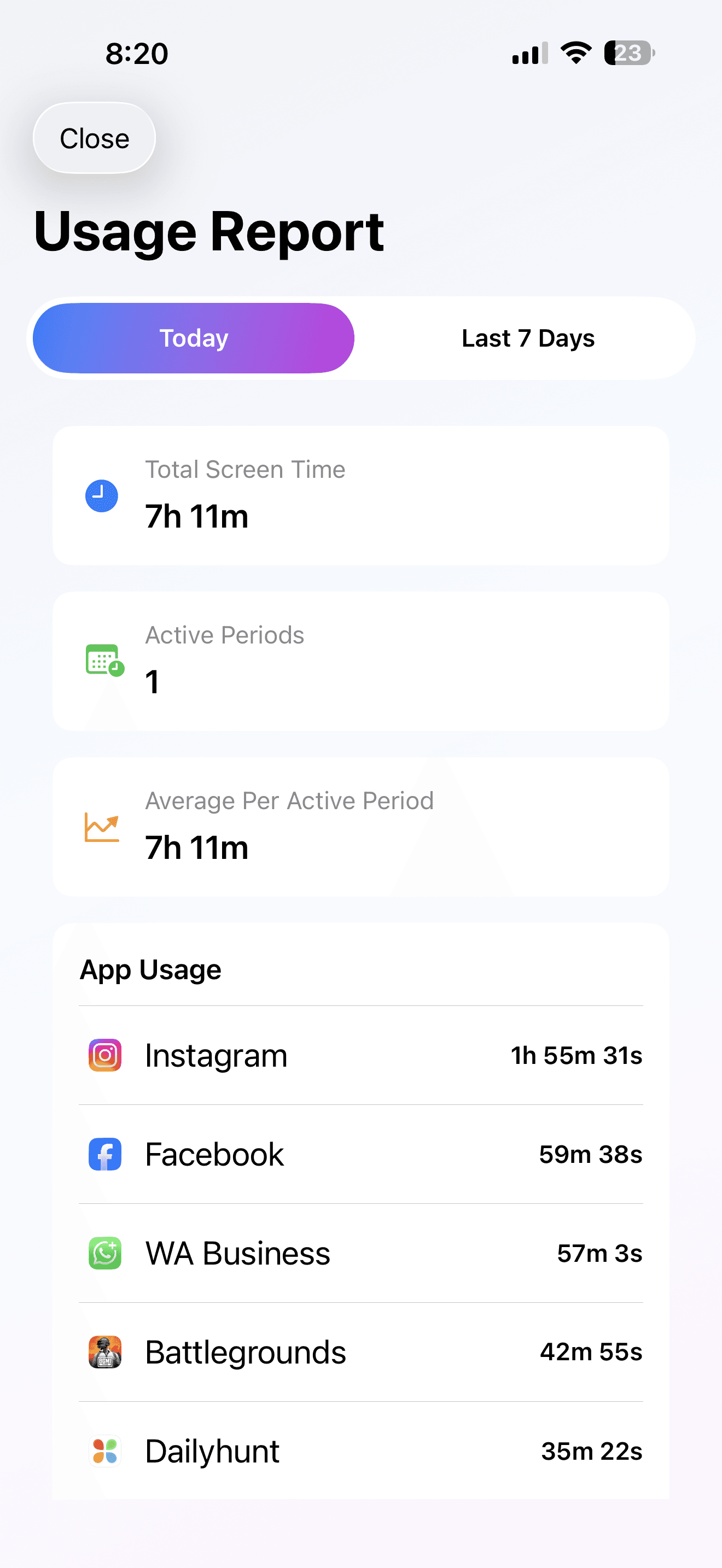
Usage report
Track today's activity with a clear breakdown of screen time and top apps.
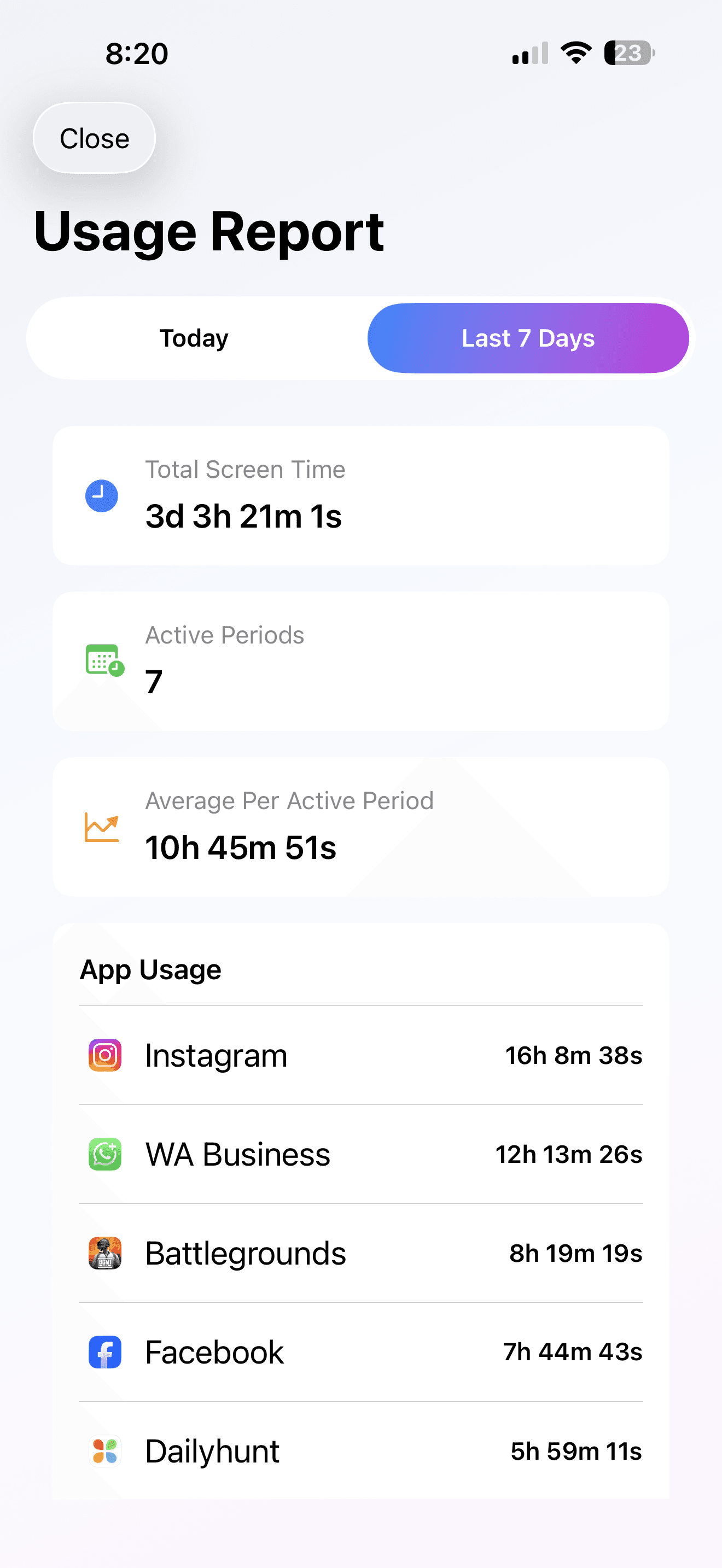
Weekly trends
Review the last seven days to spot habits and reduce time spent on distractions.
Features
Block Apps and Categories
Block specific apps or entire categories to eliminate distractions and focus on what matters.
Permanent or Scheduled Block
Choose permanent blocks or set schedules that automatically enable and disable blocking.
Multiple Time Slots
Create different block windows throughout the day (e.g. morning and evening) for flexible control.
Choose Days
Customize which days blocks apply—weekdays, weekends, or any combination that fits your routine.
App Groups
Organize apps into groups like Social, Games, or Entertainment for easy category-based blocking.
Passcode Protection
Secure your settings with a passcode so only you can modify or disable blocks.
Face ID / Touch ID
Quick, secure access using biometric authentication for a seamless experience.
In-App Notifications
Stay informed with helpful in-app notifications about your screen time and block status.
Pro Plan (Ad-Free)
Upgrade to Pro for an ad-free experience and unlock premium features.
Dark Mode
Comfortable viewing in low light with full dark mode support.
iPhone and iPad
Works seamlessly across iPhone and iPad for consistent control on all your devices.
Blocks Stay Active
Blocks remain active even after closing the app—no bypassing by force-quitting.
Ready to take control?
Join others who are reclaiming their time and living more mindfully.
Download on the App Store